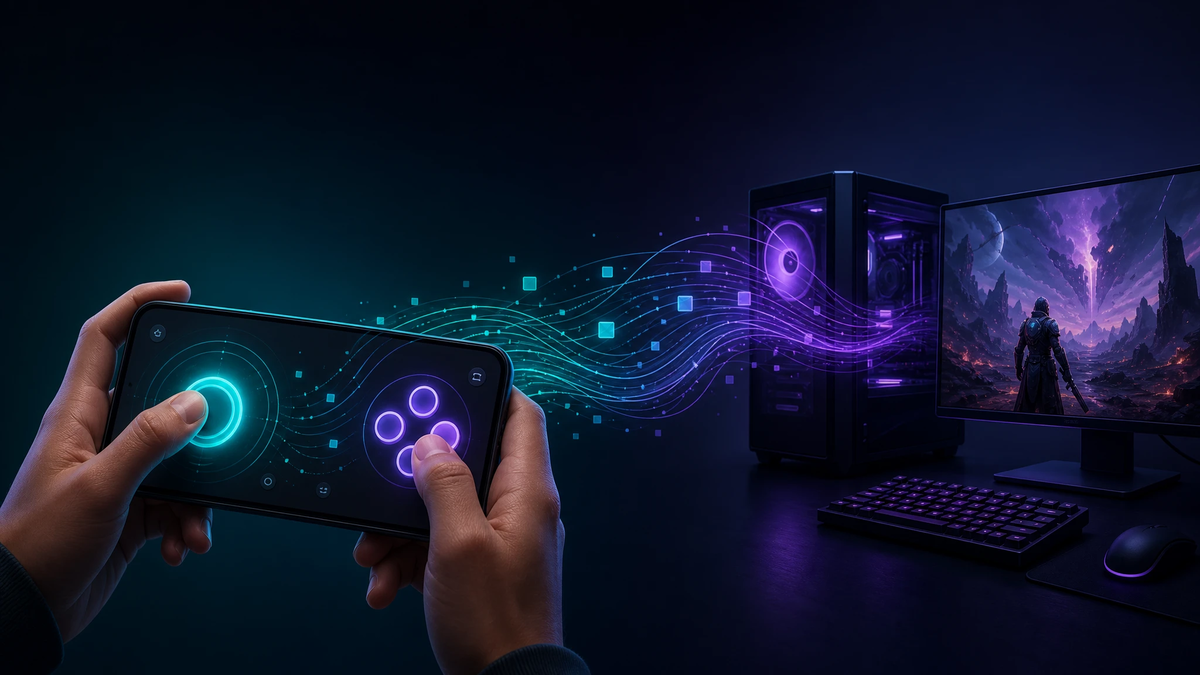
What it does
Contropad turns the smartphone you already own into a game controller. You run a small server on your Windows machine, open the controller page on your phone's browser, and the on-screen buttons and sticks drive any game that reads a gamepad — no app to install, no dedicated hardware to buy.
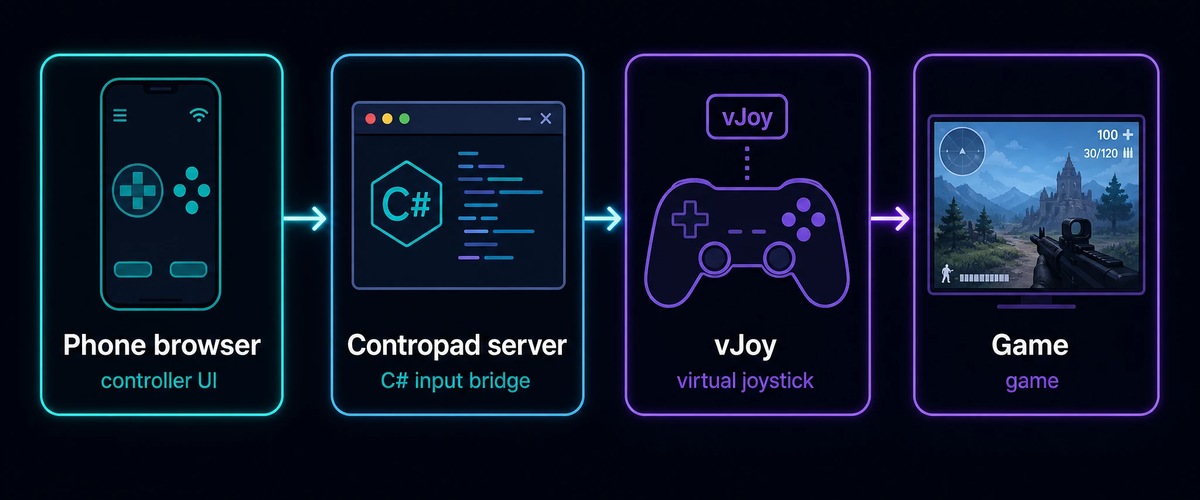
It splits cleanly into two halves: a web client that draws the controller and streams your touches, and a desktop server that receives them and injects real joystick input into Windows.
How it works
The desktop server is a C# Windows application built on top of vJoy, a virtual joystick driver. You pick the IP to host on and press start; the server stands up a controller website and begins listening. Open that URL on your phone, and every press, release, and stick movement is sent back to the server, which translates it into vJoy axis and button events. To the game, the phone is indistinguishable from a physical gamepad.
The two repos
- contropad-server — the Windows desktop bridge, written in C# and built with Visual Studio. It hosts the controller site, manages the connection, and maps incoming input onto a vJoy device.
- contropad-webclient — the controller itself, built with Node.js and Ionic so it renders as a touch-friendly gamepad in any modern mobile browser.
A bit of history
Contropad is one of my earlier open-source experiments, from back when "use your phone as a controller" still meant wiring up the input plumbing yourself. It's a self-contained look at the whole chain — touch events in a mobile web UI, a real-time link to a desktop host, and a virtual driver feeding native games — and it's kept here as part of the same shelf of small, single-purpose projects.