Overview
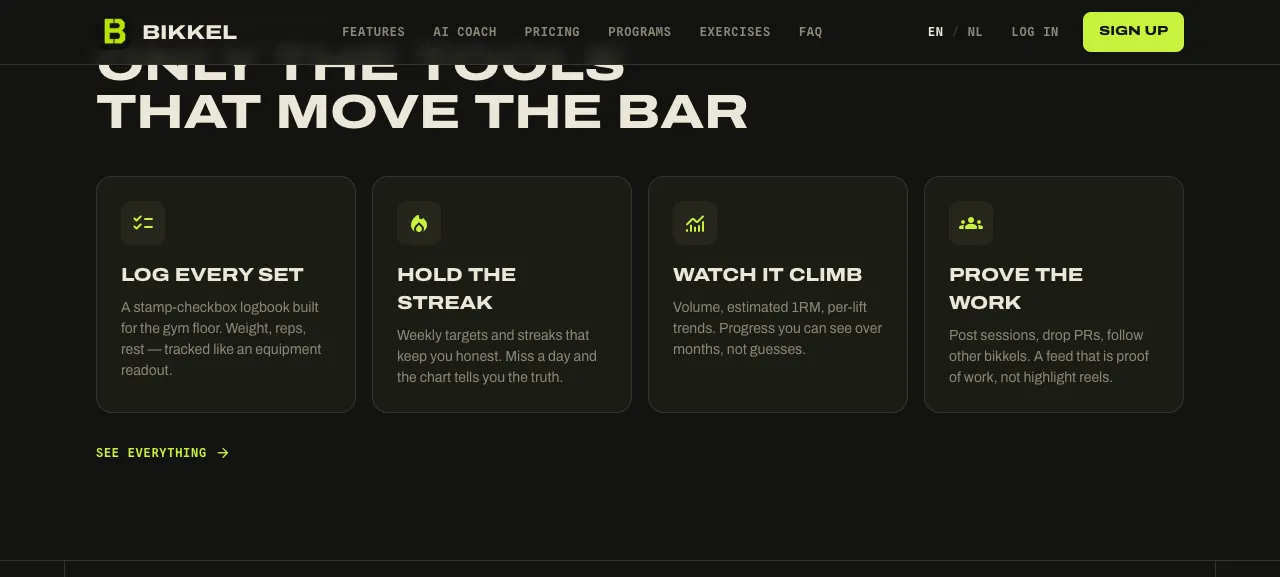
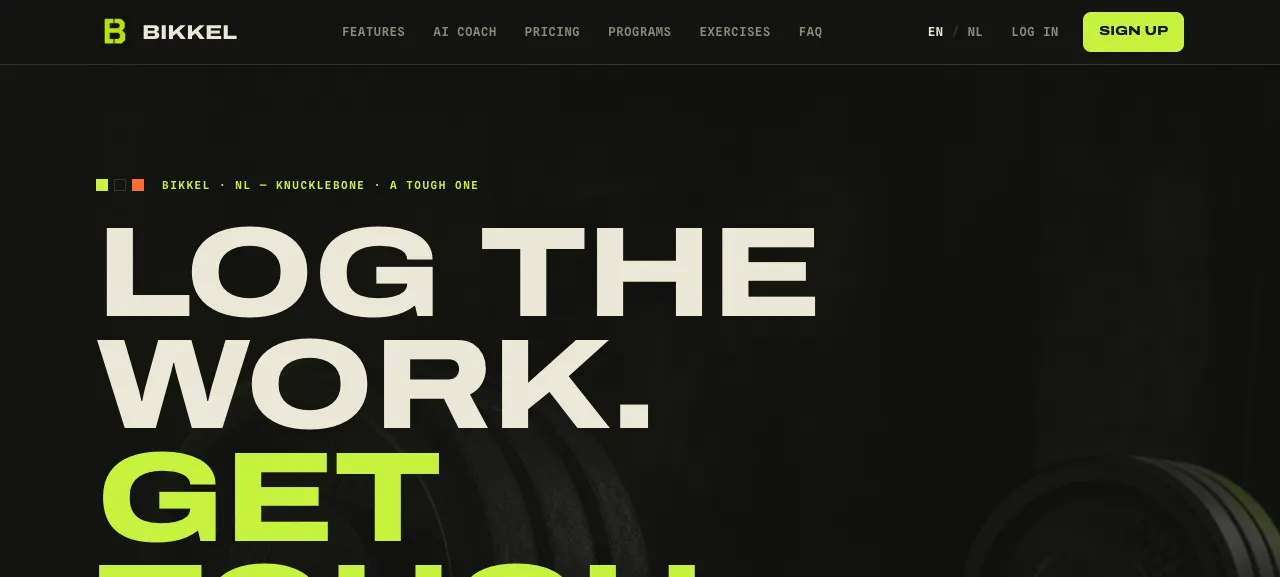
Bikkel is a strength-training tracker. You build routines — reusable plans made of exercises, sets, and targets — then log the workouts you actually do against them, one set at a time, with a rest timer running on the gym floor. Over time it turns that log into the thing lifters actually want: body measurements, per-lift trends, estimated one-rep-max, and volume you can watch climb over months instead of guessing at. The name is Dutch: bikkel means a tough one, someone who does the hard work, and the whole product is built around that idea — log the work, get tough.
I built it solo, end to end: the design, the two clients, the backend, auth, billing, email, internationalisation, and deployment. This page is less about the feature list and more about two decisions I think are interesting — running the whole thing as one Cloudflare Worker, and giving the app a built-in MCP server so an AI assistant can connect straight to your training data.
Two surfaces, one core
Bikkel is really two apps sharing a single core. The phone app (/app) is where you train: a centered, thumb-friendly column with a bottom tab bar, taking you from onboarding through your routines into a live workout logger with the rest timer, then a session recap and a shareable "Bikkel card". The desktop hub (/hub) is where you plan: a sidebar app with a dashboard, a master-detail routine editor, the exercise library, and deeper progress and history views. It deliberately leaves out the in-gym pieces — live logging, the rest timer — because those belong on the phone in your hand, not the laptop at home.
The landing page picks the right surface for each visitor by viewport and routes them there, with plain no-JS fallback links so nothing breaks without client JavaScript. Both surfaces register into one file-based route tree and read from one shared data and query layer, so a change to how a routine or a workout works lands in both places at once instead of being maintained twice.
A built-in MCP server
Bikkel ships its own MCP (Model Context Protocol) server, mounted at /mcp. In practice that means you can connect an AI assistant to your Bikkel account and have it read your body measurements, read your performed workout history, and read and manage your routines — with the assistant reasoning over your real data rather than a copy you pasted in.
The design goal was to make it safe by construction rather than by policy. Each user issues a personal connect key from their settings, and everything the assistant can do is scoped to that key's owner — there is simply no tool that can reach another user's data, and a key can be rotated or revoked at any time. The server is stateless per request, which is exactly the shape a serverless edge runtime wants. The tools also keep the domain model sharp: a routine is a reusable plan and a workout is a session you actually did, so reading your history and editing your plan are deliberately different operations with different stakes.
One Cloudflare Worker
The whole application — server-rendered pages, the API routes, auth, billing webhooks, image serving — deploys as a single Cloudflare Worker running at bikkel.app. It's built on TanStack Start (React 19) with file-based, SSR routing, and the same codebase builds either a plain Node server for local development or the Worker bundle for production.
Data lives in Postgres through Drizzle. Locally that's a Docker Postgres; in production the Worker reaches a managed database through a Hyperdrive binding that pools and speeds up the connection from the edge, with the connection resolved per request. Exercise images live in R2 and are served straight back through the Worker, and transactional email — signup verification, password resets — goes out over Cloudflare's Email Service. Keeping everything inside one Worker with one deploy is what makes a solo project like this maintainable: there's one thing to ship, one place for secrets, and one runtime to reason about.
Auth, billing, and the details
Accounts run on better-auth with both email/password and passkeys, so you can sign in with a device credential instead of a password. Billing is handled through Polar — a Pro subscription and a lifetime option — wired in as a plugin with a webhook back into the Worker, so entitlements stay in sync without me running a payments service of my own.
A few smaller things I care about: the exercise catalog is seeded from an open exercise database and mirrored into my own storage so it doesn't depend on anyone else's uptime; share cards and social preview images are rendered on the edge as real images rather than screenshots; and every button that kicks off a save or an async action shows an in-flight state, because on a phone in a gym a tap that looks dead is a bug. The whole interface is localised into English and Dutch through inlang/paraglide, with the copy compiled at build time rather than fetched at runtime.
The design
Bikkel has a deliberate look I call "cast iron" — an industrial training logbook. Charcoal and chalk, an acid-lime accent with a signal-orange spark, poster display type for the headlines, and monospace for the data readouts. It's meant to feel like gym equipment, not a wellness app: high-contrast, blunt, and built to be read at a glance mid-set. Getting a consumer fitness product to look like this — and to hold that character across a phone app, a desktop hub, and the marketing pages — was a big part of making Bikkel feel like one coherent thing rather than a stack of features.